


 Trading bot for Binance
hamster-bot runs on your own computer or VPS and trades on Binance through the API. Your money stays in your exchange account, and the keys never leave your machine: they are only in the bot's settings.
Sign up on Binance Download the bot
Markets
In the bot settings, set exchange.name and the pair as the exchange names it:
| Market | exchange.name |
Pair example |
| USDT-M futures (perpetual) | binance |
BTCUSDT |
| Coin-M futures (inverse) | binance |
BTCUSD_PERP |
| Spot | binance-spot |
BTCUSDT |
| Portfolio Margin | binance-papi |
BTCUSDT |
On spot the bot only goes long, there is no shorting.
API key
Create an API key on Binance with trading permission. The bot never needs to withdraw, so leave that permission off.
If the exchange allows it, restrict the key to the IP of the computer or server the bot runs on.
For futures, tick Enable Futures in the key settings.
Strategies
All of the bot's strategies are available on Binance. Before trading real money, run your settings on historical data in the tester.
ZigZag, ZZ · ZigZag Double, ZigZag MarketOrder · Donchian Channel · Channel Close Strategy · RiskTurtle · Moving Average Crossover, Price vs MA, MACD Trend · Squeeze · RSI Pullback · DoubleDragon · MRS · MRS2, MRS2 FAST · MRS3 · HiDeep · RedFlag · SmartProfit · Grid · ShadowOverlap · TV MAPM · MZ · TradingView Webhook · Volume Market · Long/Short-bot · Close Position Delete Orders
Videos
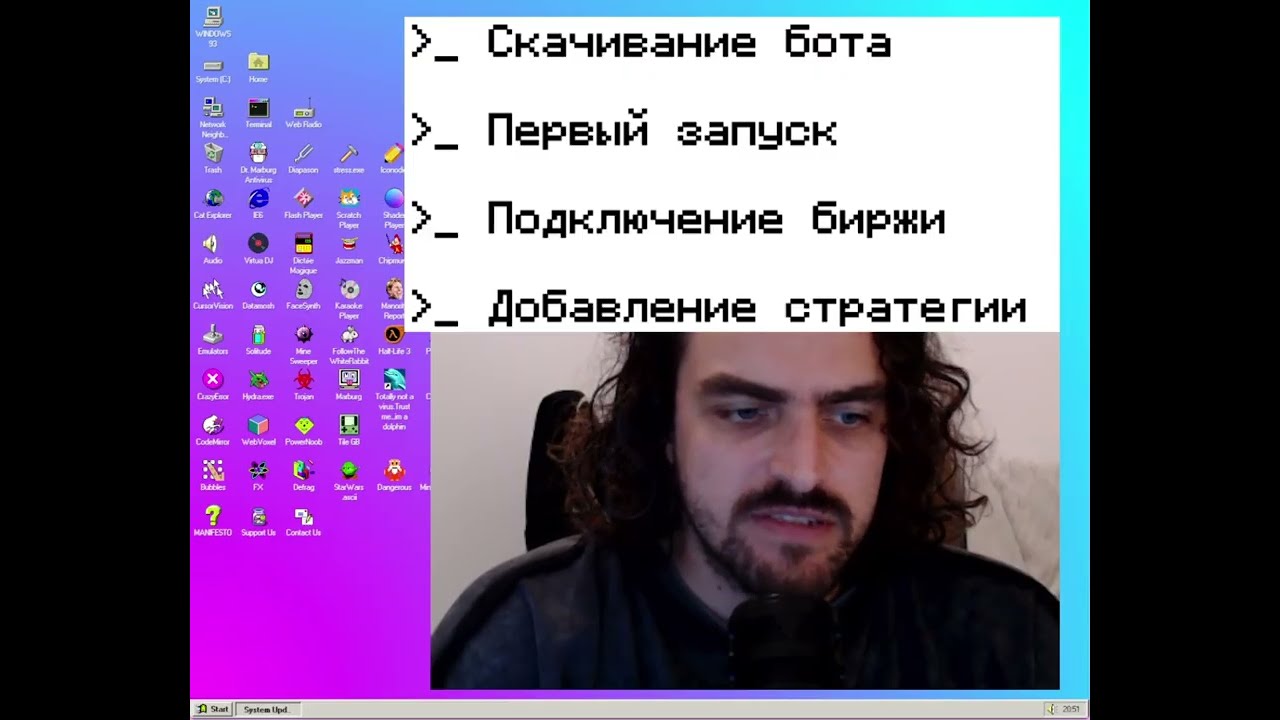
 First launch of the trading bot

Exchange sign-up
 If you don't have a Binance account yet, please sign up with my referral link. It helps me keep working on the bot.
Partnership with Binance:
API broker
Other exchanges: Bybit · OKX · Bitget · BingX · BTSE · Hyperliquid